50 Historical War Scene AI Video Prompts
Ancient battles, cavalry charges, trench warfare, naval combat and commanders — war scene prompts crafted by a VFX artist, built on the scale rule that keeps AI battles coherent.
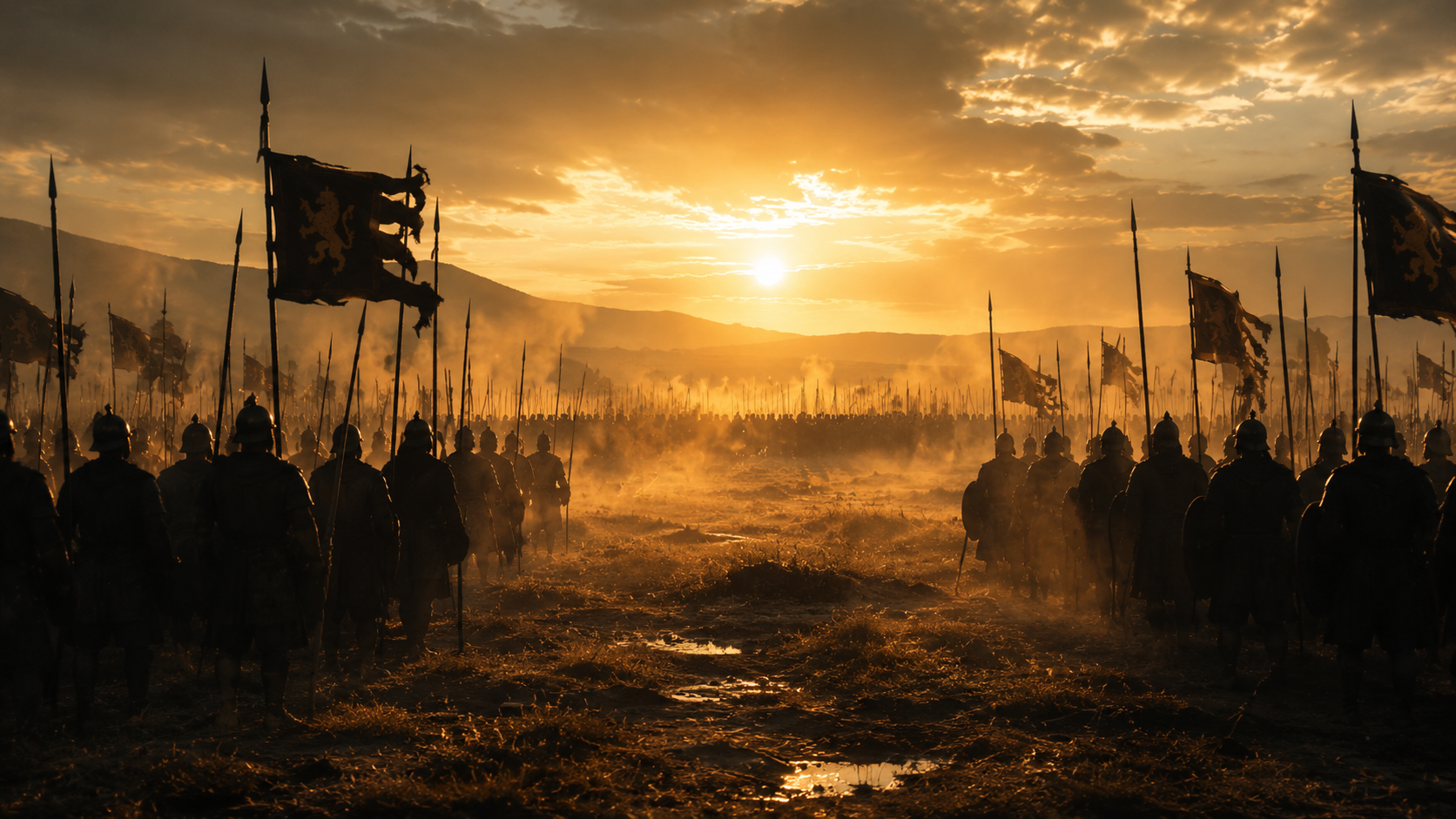
- Static standoff avoids all mass-combat physics risk
- Dawn light adds scale and gravity
- Sets up any following charge or clash shot
- Battle openers
- Epic scale establishers
- Historical drama
- Synchronised lockstep is stable, predictable motion
- Overlapping shields hide individual figure detail
- Dust adds scale without complex simulation
- Roman and Greek battle content
- Formation warfare scenes
- Historical epics
- Single-hand close-up needs zero combat physics
- Implied battle sound beyond frame is efficient
- Works as a tension beat before any charge
- Roman legion content
- Pre-battle tension beats
- Character detail inserts
- Static machinery needs no combat animation at all
- Silhouette framing hides mechanical detail risk
- Classic siege-scene establisher
- Medieval siege content
- Castle battle openers
- War preparation beats
- Machine action avoids all character-animation risk
- Slow motion flatters the mechanical arc
- Single decisive event, cleanly bounded
- Siege warfare content
- Medieval battle inserts
- Mechanical action beats
- Arrows-into-stone avoids body-contact risk entirely
- Silhouette defenders keep detail minimal and safe
- Classic siege imagery with high drama
- Castle siege scenes
- Medieval war content
- Defense sequence beats
- Kneeling stillness needs zero action physics
- Chainmail macro detail is a striking texture study
- Pre-battle ritual builds emotional stakes
- Knight and crusader content
- Pre-battle ritual beats
- Character-driven war drama
- Approaching fleet is scale-driven, contact-free imagery
- Torchlight adds atmosphere without complex lighting risk
- Strong narrative tension before any landing
- Viking raid content
- Naval approach beats
- Historical epic openers
- Single-action horn-sound needs no combat physics
- Distant reaction implies a whole army safely
- Iconic battle-signal imagery
- Battle signal beats
- War scene openers
- Historical drama tension
- Empty-battlefield aftermath needs zero figures at all
- Scattered debris tells the story safely
- Powerful, melancholic scene-ending imagery
- Battle aftermath beats
- War documentary style content
- Historical epic endings
- Single rider avoids multi-figure formation risk
- Dust and gallop convey speed reliably
- Empty horizon removes any collision complexity
- Cavalry charge beats
- Medieval battle openers
- Hero rider imagery
- Staggered acceleration is readable, natural motion
- Wide static frame avoids tracking complexity
- Formation stretch shows realistic battlefield chaos
- Cavalry formation content
- Battle sequence openers
- Epic scale beats
- Leg-only framing avoids full-horse-anatomy risk
- Rhythmic gallop is stable, repeatable AI motion
- Visceral ground-level perspective
- Cavalry detail inserts
- Speed and momentum beats
- War film texture shots
- Approach-without-impact removes collision risk entirely
- Steady closing gap builds pure tension
- Classic pre-clash cavalry imagery
- Cavalry charge tension beats
- Battle sequence builds
- Historical epic drama
- Single rider with object focus is a safe, iconic shot
- Banner motion adds free dynamic energy
- Determination read clearly in one face
- Standard-bearer imagery
- Rally and morale beats
- Heroic cavalry content
- Dust obscuring detail is a built-in AI-safety mechanism
- Implied chaos reads as more epic than detailed clarity
- Classic cinematic battle technique
- Epic battle atmosphere
- Dust-and-chaos war imagery
- Scale-driven combat beats
- Single arrow-shield contact is a bounded, safe event
- Continuing motion sells resilience and momentum
- Slow motion flatters the single impact beautifully
- Cavalry resilience beats
- Heroic charge inserts
- Battle drama moments
- Animals-only motion sidesteps human-figure combat entirely
- Riderless horses are a powerful, safe symbol of loss
- Melancholic aftermath imagery
- Battle aftermath beats
- War tragedy inserts
- Historical drama emotional beats
- Single-hand grip needs zero combat animation
- Earth-shiver implies distant action safely
- WWI trench atmosphere in one economical shot
- WWI content
- Trench warfare atmosphere
- Tension-building war beats
- Waiting stillness is completely safe, high-tension imagery
- Fixed bayonets add authentic period detail
- The moment before is more powerful than the moment of
- WWI and WWII content
- Pre-offensive tension beats
- Historical war drama
- Distant impact removes any figure-contact risk
- Debris eruption is reliable, spectacular AI physics
- No-man's-land setting is instantly evocative
- War film impact beats
- Battlefield atmosphere content
- Historical epic action
- Single object-donning motion is fully safe
- Fogging lens and distortion add authentic dread
- WWI-specific detail with strong genre recognition
- WWI content
- Gas attack tension beats
- Historical horror-adjacent war content
- Machine-only subject avoids all human-figure risk
- Cratered landscape adds scale and consequence
- Iconic WWI/WWII imagery
- Tank warfare content
- Mechanized war imagery
- Historical epic scale beats
- Static hand-and-object action needs zero risk
- Flickering light adds atmosphere cheaply
- Intimate scale contrasts with the war's enormity
- Command post content
- WWII atmosphere beats
- Character-driven war drama
- Light-beams-only avoids rendering aircraft or combat
- Implied distant action is dramatically effective
- Iconic Blitz-era imagery
- WWII home front content
- Air raid atmosphere
- Historical epic night scenes
- Empty aftermath needs zero active figures
- Smouldering flare is one safe, atmospheric detail
- Powerful anti-war emotional statement
- WWI aftermath beats
- Anti-war documentary style content
- Historical drama emotional endings
- Ship-scale action avoids individual figure risk entirely
- Cannon smoke is reliable, spectacular AI rendering
- Classic age-of-sail naval battle imagery
- Naval battle content
- Age of sail drama
- Historical war epics
- Practiced-rhythm action is repeatable, safe motion
- Raised-hand signal is a clean single gesture
- Authentic period naval detail
- Naval crew content
- Age of sail authenticity beats
- Historical war process content
- Formation-at-distance is scale-driven and safe
- Dawn light adds epic production value
- Works for any naval era from sail to steam
- Naval epic establishers
- Fleet imagery
- Historical war scale beats
- Water-column splash is spectacular, safe AI physics
- Ship rolling motion is simple and readable
- Near-miss avoids any direct damage rendering
- Naval battle tension beats
- WWII naval content
- Age of sail drama
- Coordinated formation turn is stable, predictable motion
- Contrails and cloud add free atmospheric detail
- Iconic WWII aerial imagery
- Aerial dogfight openers
- WWII air combat content
- Historical epic aerial beats
- Cockpit interior avoids exterior dogfight complexity
- Single decisive gesture reads clearly
- Intimate scale inside an epic aerial setting
- WWII pilot content
- Cockpit drama beats
- Character-driven aerial war content
- Tracer lines are simple, graphic, reliable AI motion
- Night setting hides fine detail risk
- Highly dramatic without any figure combat
- Naval air-defense content
- WWII night battle imagery
- War epic tension beats
- Anchored-ship aftermath needs no active combat
- Gulls and dawn light add life to a still scene
- Powerful visual summary of a naval campaign's cost
- Naval battle aftermath
- WWII documentary style content
- Historical epic emotional beats
- Static planning scene needs zero action physics
- Lantern light creates classic dramatic composition
- Strategy content works across every historical era
- War room content
- Strategic planning beats
- Historical drama command scenes
- Single-face focus needs no distant-army detail
- Soft-focus battlefield reduces rendering risk
- Powerful leadership character study
- Commander character beats
- Pre-battle tension content
- Historical epic leadership moments
- Seated council is completely static and safe
- Candlelight adds atmosphere without complexity
- Authentic historical strategy imagery
- War council content
- Historical strategy scenes
- Ensemble drama beats
- Single arrival action is bounded and safe
- Breathless urgency conveys stakes without battle
- Classic historical-drama plot device imagery
- Messenger and dispatch beats
- War drama plot points
- Historical narrative content
- Static formation and speaker needs no combat animation
- Raised vantage point is a classic rhetorical staging
- Works for any historical or fictional war epic
- Pre-battle speech content
- Morale and leadership beats
- Historical epic rally scenes
- Single hand-and-object action is entirely safe
- Physical map pieces are a strong visual metaphor
- Reads as strategy across any historical setting
- Strategy and planning content
- War room imagery
- Symbolic historical war beats
- Solo figure in stillness is maximally safe and evocative
- Silhouette walking is simple, elegant motion
- Powerful reflective ending imagery
- Post-battle reflection beats
- Commander character endings
- Historical epic emotional closers
- Signing ceremony needs zero action or combat physics
- Handshake is one clean, meaningful gesture
- Strong scene-ending or campaign-ending imagery
- War conclusion beats
- Historical treaty scenes
- Epic narrative closers
- Single-figure stillness with crest motion is fully safe
- Front-of-formation framing implies scale behind him
- Iconic Roman military imagery
- Roman legion content
- Leadership-under-pressure beats
- Historical epic character shots
- Suspended mid-swing avoids full contact-impact physics
- Braced soldiers add scale without individual detail
- Classic siege-warfare beat
- Siege warfare content
- Medieval battle inserts
- Gate assault imagery
- Solo rider in silhouette is maximally safe imagery
- Reining-in is one simple, clean action
- Strong narrative tension-building beat
- War scene tension builds
- Scout and reconnaissance beats
- Historical epic narrative moments
- Single mounting action is bounded and safe
- Leather and light detail add tactile authenticity
- Works as a scene-opening or transition beat
- Cavalry preparation beats
- Historical detail inserts
- Pre-charge tension content
- Silhouette-from-behind avoids facial and combat detail
- The held moment before advance maximizes tension
- Iconic, respectful WWI imagery
- WWI offensive content
- Historical war tension beats
- Somber epic imagery
- Static memorial object needs zero figures or motion
- Poppies and light add respectful, safe symbolism
- Powerful closing or title imagery
- War memorial content
- Remembrance Day imagery
- Documentary-style historical closers
- Single vessel surfacing is safe, spectacular physics
- Rippling water sells scale and stillness together
- Distinctive naval-warfare imagery
- Submarine warfare content
- WWII naval scenes
- Dramatic reveal beats
- Single-aircraft launch is one bounded, safe action
- Carrier deck detail adds authentic WWII/modern scale
- Strong aerial-naval crossover imagery
- Carrier operations content
- WWII naval aviation
- Modern military imagery
About These Historical War Scene Prompts
Historical war is one of the most requested — and most mishandled — genres in AI video. Ask for "an epic battle" and you get the same failure as a bad fight prompt: merging bodies, warped formations, chaos that reads as noise rather than history. But war scenes have an advantage combat alone lacks: real battle cinematography rarely shows sustained close contact at all. It shows scale, formation, machinery, and single powerful human moments — and that is exactly what AI video can render well.
Every prompt in this collection follows the scale rule explained below: wide and distant shots carry the mass and spectacle of war, while close-ups are reserved for single, bounded, contact-free actions. A hand on a sword hilt. A horn being sounded. A trebuchet releasing. A commander studying a map. Each is one clean action that a model can actually complete — the same discipline that makes the fight scene and car chase collections work.
The 50 prompts span five historical eras and combat types: ancient and medieval warfare, cavalry charges, trench and modern warfare, naval and aerial combat, and the commanders and strategy that frame every conflict. Use the scale rule below to build these into a complete battle sequence.
How to Use These Prompts
Tips for Best Results
Filming War at the Right Distance: The Scale Rule
War scenes fail in AI video for the same reason fight scenes do — sustained close contact between many figures is the hardest thing a model can attempt. But historical war has an advantage combat alone does not: real battle scenes are rarely filmed up close. Directors shoot formations, silhouettes, machinery and aftermath at a distance, and save close-ups for single, safe, contact-free moments — a hand on a hilt, a face before the charge, a horn being sounded.
This page follows that same scale rule. Wide and aerial shots handle the mass and spectacle of war — armies arrayed, fleets in formation, cavalry charging toward an empty horizon — because distance hides the anatomy and physics errors that close contact exposes. Close-ups are reserved for single, bounded actions: one hand, one gesture, one machine, one moment of impact at a safe remove from any figure.
Building a full battle sequence: open wide with the standing armies (tension, no motion), cut to a mechanical or object beat (a horn, a trebuchet, a drawn blade) for anticipation, use a wide formation shot for the charge itself, cut to a single safe close-up (a hand, a face, an impact at distance) for emotional stakes, and close on an aftermath wide with no active figures at all. Every one of those beats is represented in this collection.
If your war scene includes recurring characters — a commander, a hero soldier — lock their identity (armor colour, a particular banner, a scar) the same way you would lock a car or a fighter, and repeat it in every prompt. Our free AI Scene Builder automates this through its Fixed Elements field.
Frequently Asked Questions
Build a full battle with locked characters
Scene Builder keeps your commanders, banners and armor locked across every shot of the sequence.
🎬 Open Video Prompt Generator